The Project Hub is the starting point for creating a new project, opening an existing project, or jumping back into recent work.
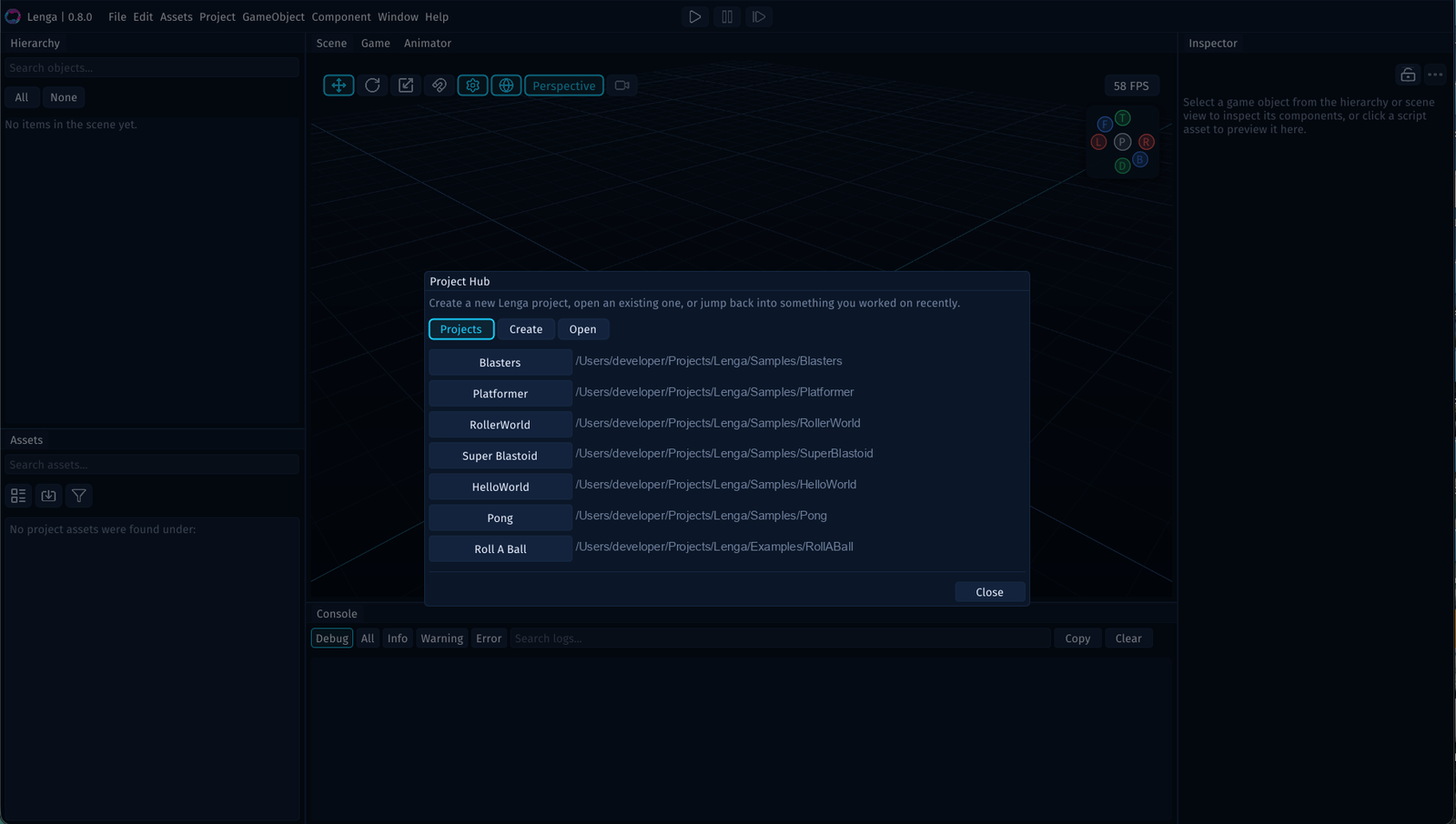
What the Project Hub Shows
The Project Hub is organized around three tabs:
Createfor starting a new projectOpenfor selecting a project folder on diskRecentfor jumping back into projects you worked on recently
Use the Create Tab
Choose Create when you want Lenga to scaffold a new project for you.
This is the best place to start when you are beginning a new game, prototype, or test project.
Use the Open Tab
Choose Open when the project already exists on disk.
Select the project folder itself so the editor can load its settings, assets, and scenes.
Use the Recent Tab
Choose Recent when you want to jump back into a project you opened before.
This keeps common projects within easy reach and makes it much faster to move between active games, prototypes, and sandboxes.