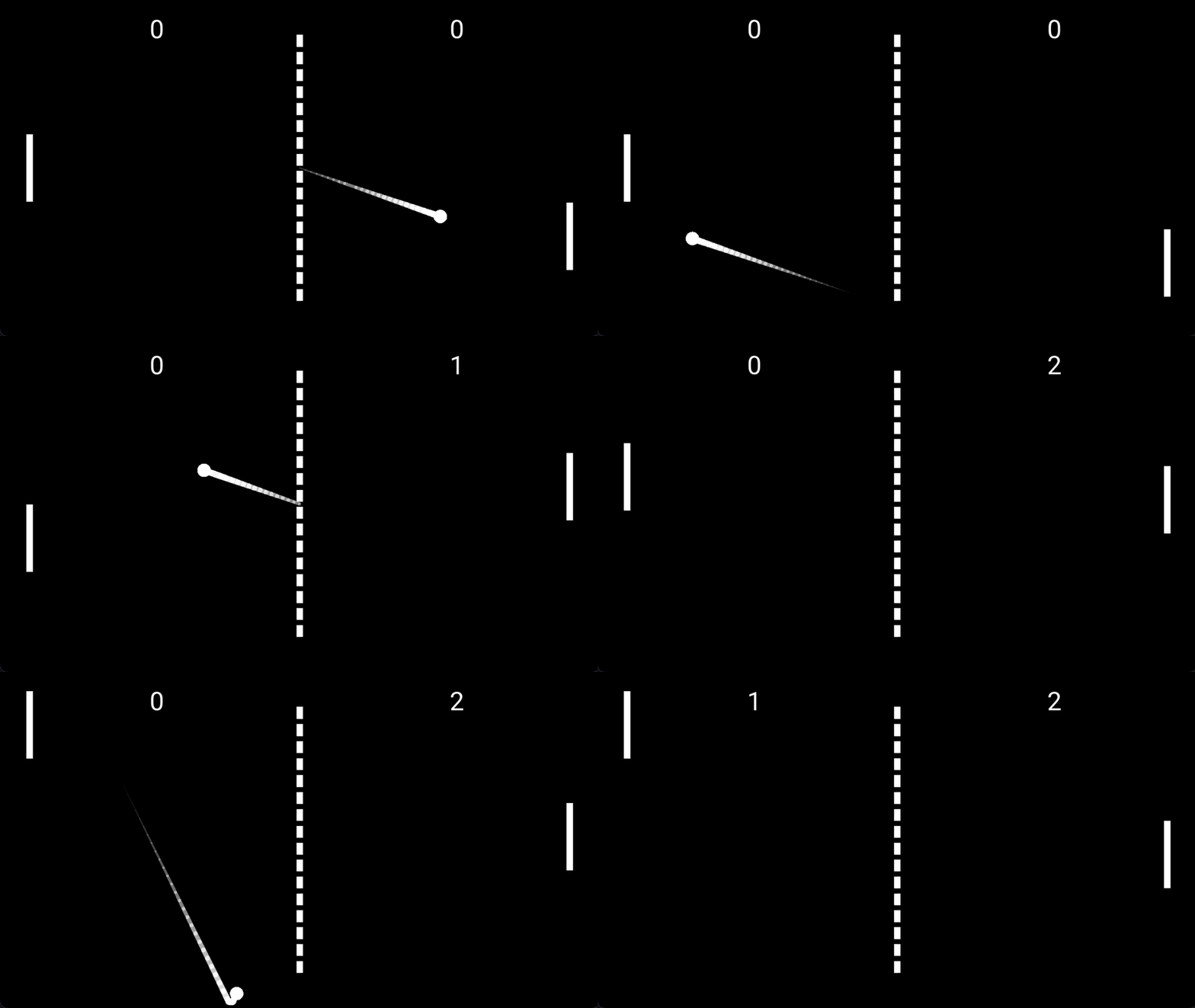
Add the Component
- Select the moving GameObject.
- Choose
Add Component -> 2D -> Rendering -> Trail Rendererfor a 2D object, orAdd Component -> 3D -> Rendering -> Trail Rendererfor a 3D object. - Press Play and move the object.
The trail samples the GameObject's world position while it moves and renders those points as one continuous ribbon. If the object is stationary, no new segment is added.
Shape the Trail
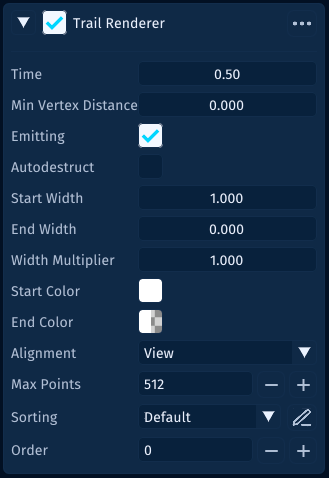
Timecontrols how long the trail remains visible.Min Vertex Distancecontrols how far the object must move before a new point is added.Start Widthis the width near the object.End Widthis the width at the oldest end of the trail.Start ColorandEnd Colorcreate the fade.Emittingcan pause new points without clearing the existing trail.Auto Destructcan remove the owner after the trail has been stationary for theTimeduration.
For a snappy arcade trail, start with:
Time: 0.35
Min Vertex Distance: 0.05
Start Width: 0.5
End Width: 0
Start Color: white, full alpha
End Color: cyan, zero alpha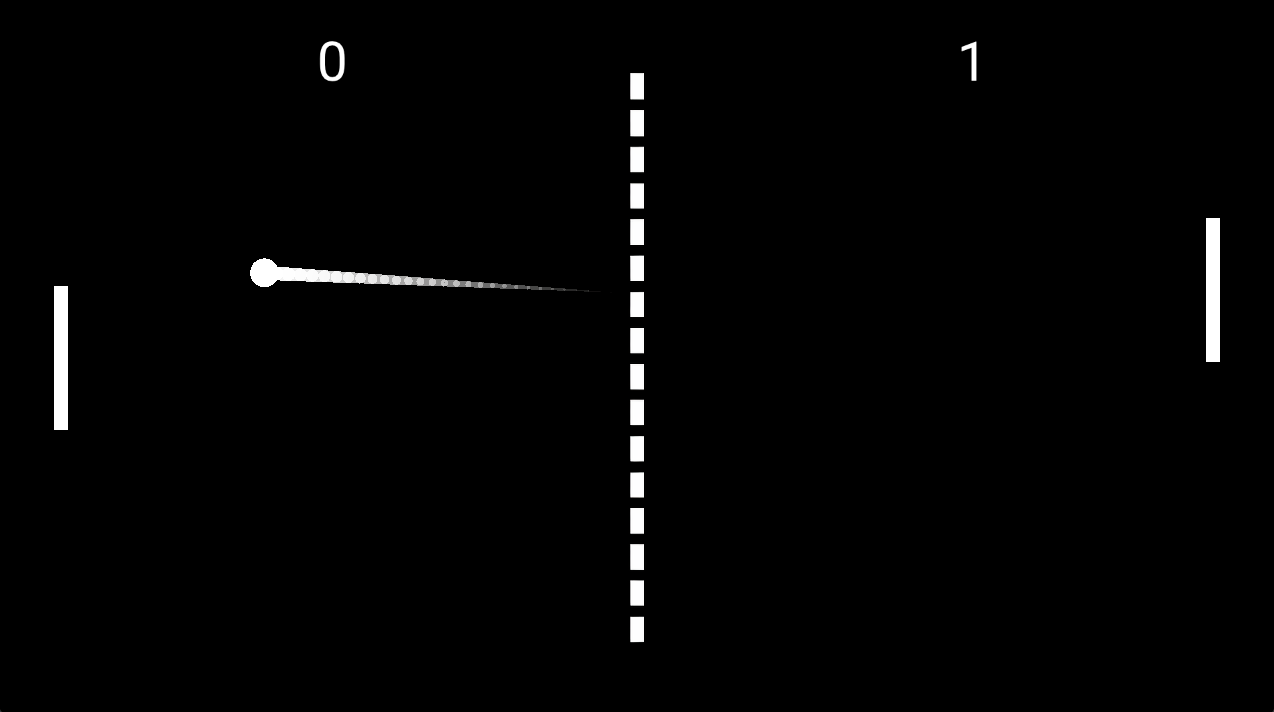
Control It From PHP
use Lenga\Engine\Core\Behaviour;
use Lenga\Engine\Core\TrailRenderer;

final class DashTrail extends Behaviour
{
    private ?TrailRenderer $trail = null;

    public function start(): void
    {
        $this->trail = $this->getComponent(TrailRenderer::class);
        $this->trail?->clear();
    }

    public function beginDash(): void
    {
        $this->trail?->clear();
        if ($this->trail !== null) {
            $this->trail->emitting = true;
        }
    }

    public function endDash(): void
    {
        if ($this->trail !== null) {
            $this->trail->emitting = false;
        }
    }
}
2D and 3D Notes
In 2D scenes, trails use the component's sorting layer and order. In 3D scenes, Alignment decides whether the trail faces the camera or follows the transform orientation.
Use clear() after teleports, respawns, or scene resets so an old trail does not stretch across the screen.